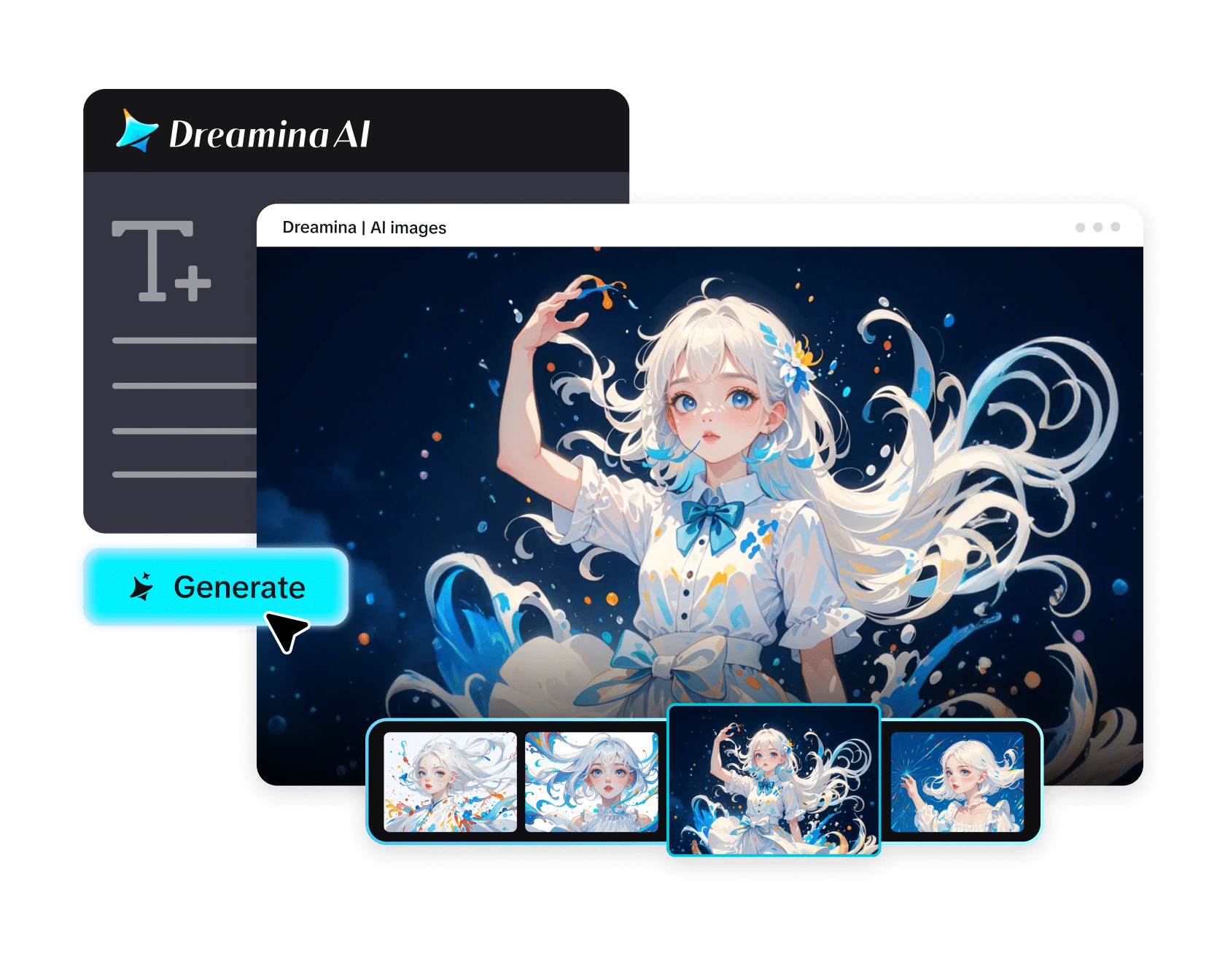
What was once an arduous task of crafting an idea into a video has become a fun activity using the Dreamina AI video generator. Gone are the days of using professional editing software and equipment; all that you need is a well-crafted prompt and creativity.
This step-by-step guide provides insight into how to create your video easily and seamlessly. Imagine this guide to be the process of translating your idea from mind to screen.
From Mind to Video: Thinking Visually to Craft Your Prompt
Before getting started, it may be helpful to look at prompts from a different perspective. Rather than writing about actions and scenarios, try to imagine how a prompt will appear on the screen.
Consider the following as alternatives for a “relaxing scene”:
- Beautiful sunset casting light on a body of water
- Slow movement of the waves
- Sitting down silently at the water’s edge
This will inform the look and feel of your video. The more clearly you visualize, the better the outcome.
Converting Ideas Into Organized Scenes
It’s not just one idea. A good video is a sequence of events. It doesn’t matter how long your clip; structuring it makes things easier for AI.
You should consider breaking it down into:
- An introduction – establish the setting and the mood.
- The middle part – add some dynamics and action.
- The ending – provide closure through visuals.
Writing Prompts Like a Movie Director
A well-written prompt gives you complete control over the process. The more effort you put into writing it, the better it works.
A good prompt contains:
- The subject – who is there and/or what it shows.
- The setting – where it all happens.
- Lighting – bright, moody, neon, etc.
- The camera feeling – whether it’s close up or wide angle.
- Emotion – calm, energetic, and so on.
For example, a generic “city during nighttime” becomes so much more interesting when detailed.
Make Sure Your People Have Character Traits to Make Better Stories
If you are creating a video that includes any people, making them have characteristics can help greatly. Rather than being anonymous faces, include details about their appearance, attire, and facial expressions.
Even brainstorming with a random anime character generator to generate ideas and incorporate your own designs will go a long way in helping you imagine and create unique characters.
A character gives purpose to your video.
Lights, Camera, Action: Make Videos Using Dreamina
Step 1: Input the Prompt & Upload Image
Log in to Dreamina, go to the “AI Video” tab. Add your prompt for the video you intend to generate and click “Add reference image”. Upload an image when generating text-to-video, but not when creating text-to-image.
Example prompt: Create a cinematic scene in a futuristic city with sunset, illuminated skyscrapers, flying cars zipping between buildings, beautiful orange and purple skies, beautiful cinematic lighting, and slow camera movement.
Be descriptive so that the AI can fully comprehend both the setting and atmosphere of your prompt.
Step 2: Generate Your Video
After entering your prompt, select a model to start creating the video. Then pick the desired video length and appropriate aspect ratio (16:9 for YouTube videos, 9:16 for TikTok videos). Tap the Dreamina logo and wait a few seconds while it processes.
Step 3: Edit and Save the Video
Before saving your video, edit it using Dreamina’s advanced AI editing tools. Some of the advanced editing tools include Upscale and Generate soundtrack.
Generate Visual References Before Creating a Video
Occasionally, the best thing to do is to make a visual reference first. Creating the visual references makes it easier for the AI to generate your video in accordance with what you are looking for.
This is a place where Dreamina AI art generator can come in handy. You can use it to sketch out your characters first and then use them as the basis for creating a video.
This strategy is particularly useful for:
- Fantasy and sci-fi videos
- Branded videos with specific color schemes
- Narrative videos that repeat specific objects
How to Make Videos Cohesive
Consistency is what makes the difference between just another clip and a professionally made video. Because AI creates each output differently, tiny nuances may be present.
Here’s how to ensure consistency throughout the production process:
- Use the same language across prompts
- Maintain the same lighting and tone
- Stay true to one visual style per video
By doing this, you’ll make sure that the final product looks like an actual movie and not separate scenes put together.
Experiment with Multiple Genres
The best part about AI-made videos is experimenting with various genres. Instead of sticking to one style or format, you can test many options within a short period.
Think about creating:
- Cinematic trailers for movies
- Videos for social media with powerful visuals
- Emotional story-based sequences
- Artistic or abstract clips
Every approach lets you know better how different prompts impact the results.
Create Motion Through Description
Although you don’t have to animate the video yourself, there’s still an option to direct how motion occurs. It all comes down to how detailed your descriptions are when it comes to movements.
Consider writing something like:
- A man running in the rain with water splashing on the ground
- Slow motion shot with dramatic lighting
- Quick sprint with blurred background
These elements help the AI generate better visuals.
Continually Refine Your Prompts
Your initial outcome does not need to be perfect. Video creation by artificial intelligence requires iterations—minor tweaks can make significant changes.
If anything seems off:
- Modify lighting instructions
- Refine or clarify your prompt
- Change camera angles
Each iteration brings you closer to your desired output.
Find Balance in Simplicity and Detail
Finding the right balance is essential when creating prompts for AI visuals. Too many details will complicate the instruction for the algorithm, while too few will make the visuals generic.
It is best to strike a balance:
- Begin with a clear concept
- Add several key details
- Minimize unnecessary complications
This ensures that your visuals are clear and precise.
Conclusion: Make Your Dreams Come True with Dreamina
From typing a basic prompt to viewing an entirely created video, the process of creating videos has never been easier. Dreamina will revolutionize how you create videos, making it more creative and less challenging.
Be it for social media posts, storytelling, or brand marketing, Dreamina makes it fun and exciting to create videos. By using proper prompts and structuring, you will find it easy to transform your concepts into visuals.
Just give it a try and see how Dreamina will help you turn your thoughts into reality!