A PTZ security camera can help with a large yard, but it cannot watch every corner at the same time. Auto tracking is useful when movement crosses open ground, and you are not looking at the app.
Manual pan control is better when you need to inspect a specific corner, gate, shed, or driveway after an alert. This guide compares auto tracking, manual pan, preset patrols, mounting limits, and how to pair a moving camera with fixed outdoor views.
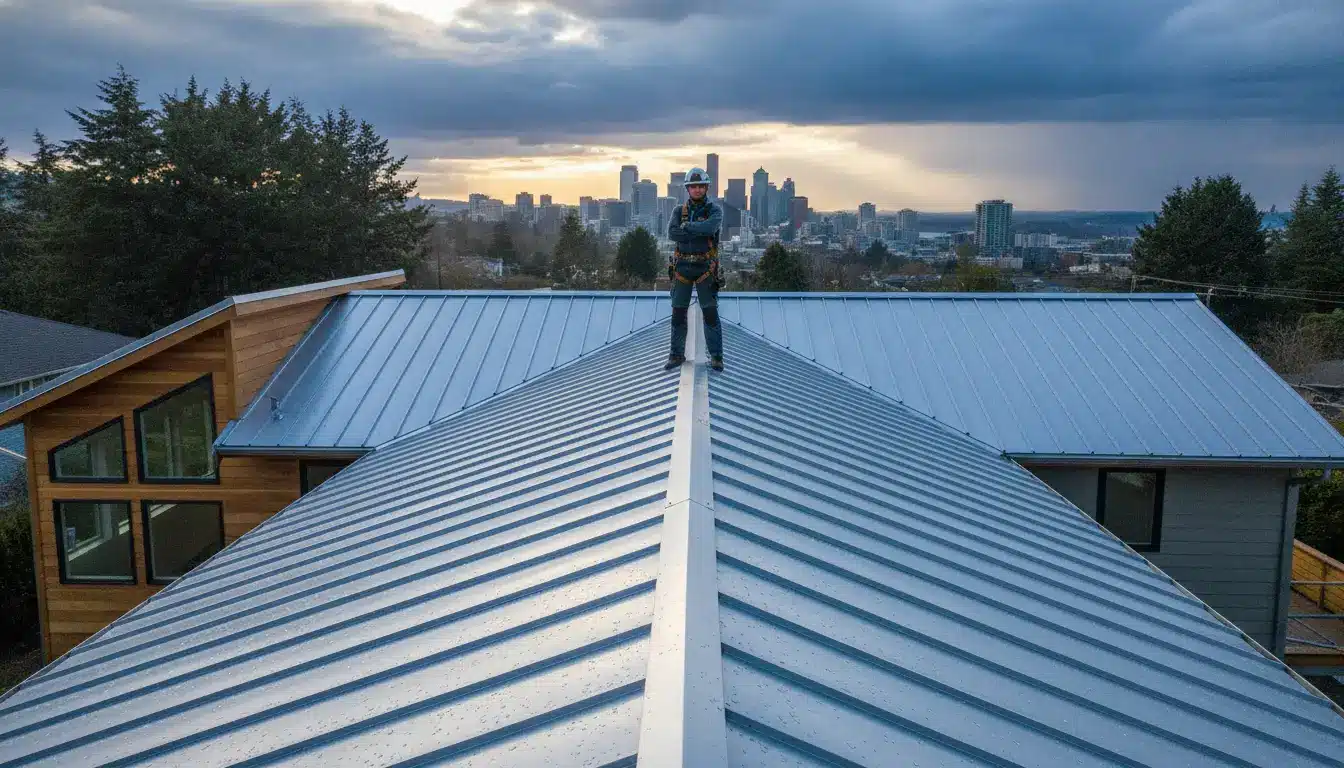
A person walks across a sunny suburban lawn while a PTZ security camera watches from high on the second-story corner.
Table of Contents
- Map the yard before choosing PTZ coverage
- Compare auto tracking, manual control and patrol presets
- Use presets to stop the camera from looking the wrong way
- Check outdoor mechanics, network load, mounting, and storage
- Combine PTZ movement with fixed camera views
- Conclusion
Map The Yard Before Choosing PTZ Coverage
A large yard creates a different security problem from a small porch. The issue is not only distance. Important activity can happen in several directions at once. A person can enter from the side gate, a car can roll up the driveway, and an animal can cross the back fence in the same hour.
That is why a pan-tilt-zoom security camera works best as part of a camera plan, not as the whole plan. A PTZ lens can move, but it still records only the direction it is facing at that moment. If it is following motion near the fence, it may not be watching the basement door.
Start with the parts of the property that should never be left uncovered. Fixed cameras belong at predictable entry points such as the front door, garage side door, back door, and narrow walkway.
A PTZ outdoor camera belongs in open space, where the view changes by distance and direction across a wide lawn, long driveway, detached shed, or back fence.
Motion lights and clear sightlines still matter. A moving camera cannot solve bad placement, blocked views, or weak night lighting by itself.
This division keeps the PTZ camera from doing every job at once. It can roam, inspect, and follow movement while fixed cameras keep the high-risk doors in frame.
Compare Auto Tracking, Manual Control And Patrol Presets
Auto tracking and manual pan control solve different problems. Auto tracking helps when nobody is watching the live view. Manual control helps when a person is watching and wants to check one detail. Preset patrol fills the gap between them by making the camera revisit important views on a schedule.
|
Control style |
Where it helps |
Where it can fail |
|
Auto tracking |
Following a person or vehicle across open ground |
Can chase irrelevant motion if detection is too broad |
|
Manual control |
Checking a shed, gate, driveway, or dark corner after an alert |
Depends on someone being awake and using the app |
|
Preset patrol |
Rotating through known views such as driveway, side gate, and fence line |
May miss an event between patrol stops |
There is one common mistake with PTZ camera home security. People turn on every automatic feature and assume the camera will always choose the right target. It may not. Wind, pets, reflections, and headlights can all compete for attention unless the camera offers good detection zones and useful subject filters.
Use Presets To Stop The Camera From Looking The Wrong Way
Preset positions make a PTZ camera more predictable. Instead of leaving the lens wherever the last event ended, you save the views that matter and ask the camera to return to them. For a large yard, that can be more useful than letting the camera wander.
A practical patrol route might start with a wide driveway view for vehicles and late arrivals, then move to the side gate because that is the kind of entry point people forget until something happens there.
From there, add a detached shed view for tools, bikes, and lawn equipment, and a fence line view for the area where people, pets, or wildlife enter the property.
Presets also help after manual control. If someone checks the yard from bed and forgets to move the camera back, the camera can spend the rest of the night staring at the wrong patch of grass. A home position reduces that problem. After a set period, the lens returns to its main guard view.
For large lots, this is often the difference between useful movement and random movement. The camera does not need to chase everything. It needs to keep returning to the views where an event would actually matter.
If you are comparing upgrades around a prime day security camera sale, check whether the model supports saved views, return positions, or patrol behavior before you focus on zoom numbers. A PTZ camera with strong optics but no predictable reset can still end up watching the wrong part of the yard.
Check Outdoor Mechanics, Network Load, Mounting, And Storage
A moving outdoor camera has more to prove than a fixed camera. It has motors, seals, mounting points, and a live view that can change rapidly. Those details matter more in a yard than they do in a short porch view.
Before choosing a PTZ model, check four practical limits.
- Outdoor mechanics should match the spot where the camera will live. Check the outdoor rating, temperature range, and whether the camera is meant to keep moving through rain, dust, heat, and winter cold.
- Network load matters because panning changes the whole frame. On a weak outdoor Wi-Fi signal, that can mean stutter, delay, or a frozen live view just when you are trying to steer the camera.
- Mounting stiffness affects the footage more than many buyers expect. A loose bracket can make zoomed footage shake, especially on a fence post or exposed corner.
- Storage and review habits need a plan because a large yard can create many clips from wind, animals, and passing vehicles. A fixed porch view changes less from frame to frame, while a PTZ camera panning across a yard changes the whole image, so storage and network performance both come under more strain.
If the camera is far from the router, test the signal at the mounting spot before drilling. The best view is less useful if the app cannot hold the stream.
Combine PTZ Movement With Fixed Camera Views
A strong large-yard setup usually pairs roaming PTZ coverage with fixed outdoor cameras. The fixed camera keeps one doorway or choke point in frame. The PTZ camera handles the spaces between those points.
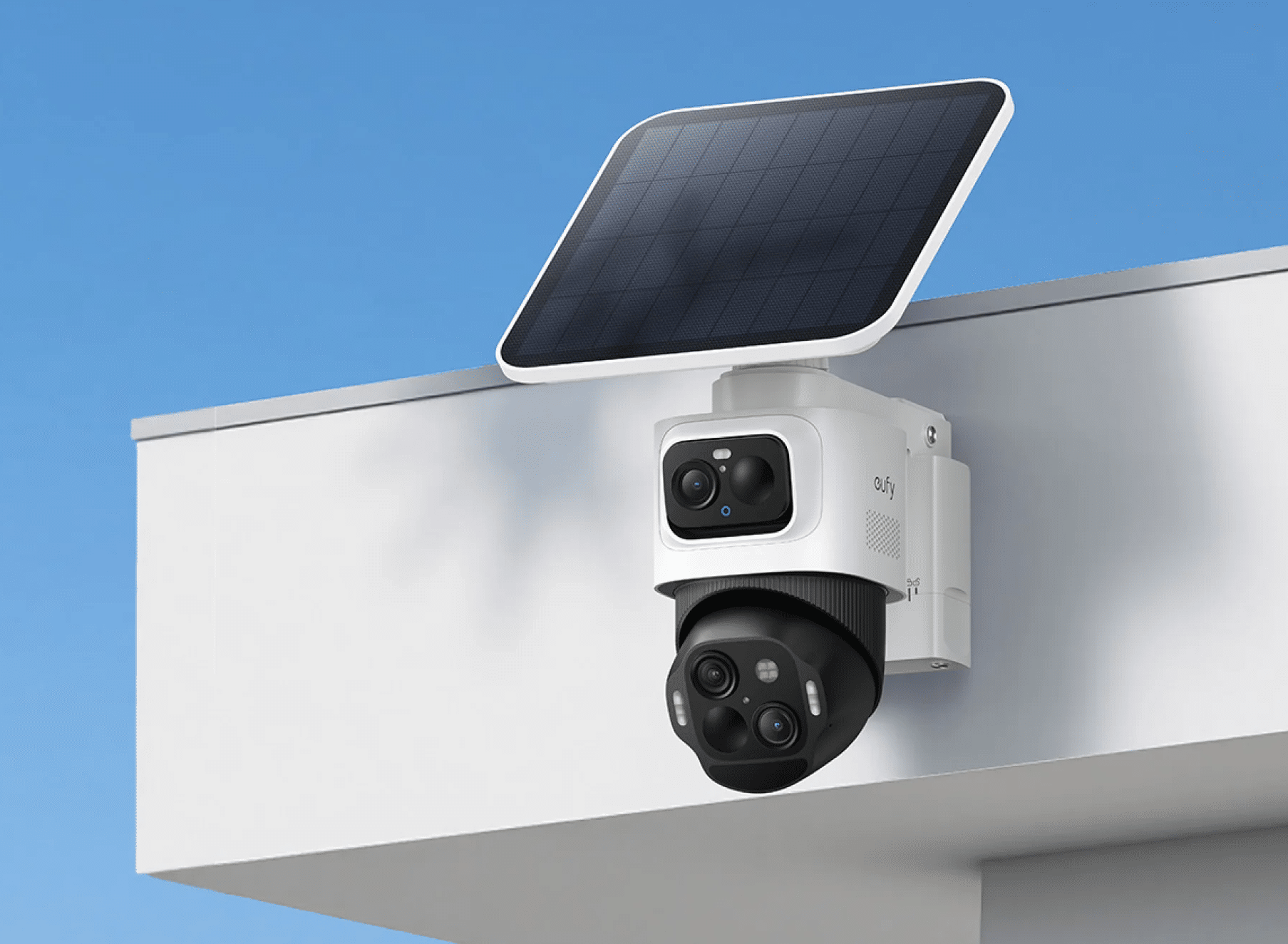
For a long driveway or open back lawn, the hard part is keeping context while still getting detail when something moves. The eufyCam S4 addresses that split role with an upper 4K bullet lens for a 130° fixed wide view and a lower 2K dual lens PTZ for 360° smart tracking and zoom.
Its bullet-to-PTZ tracking and auto framing let the fixed view detect a subject, while the PTZ view can track and zoom in for detail up to 164 ft away. In a yard with a gate on one side and a driveway on the other, that reduces the tradeoff between an overview and a closer look.
SolarPlus™ charging, 32 GB built-in storage, and expandable microSD storage also matter in this kind of placement, because large yards tend to create more clips and may not have an outlet near the best mounting point.
One camera should not be asked to replace the whole layout. The roles are different. Fixed views should stay on high-risk entry points that cannot be left uncovered, while the PTZ view is better for open areas where distance and direction keep changing.
Auto tracking works best with limits, so the camera follows people or vehicles without chasing every moving branch. Manual control is still useful for verification when the alert does not tell the whole story.
Conclusion
For large yards, use auto tracking on open ground, manual pan for spot checks, and preset patrols to revisit key views. Fixed cameras should still cover doors, gates, and tight paths where the lens should not look away.
A PTZ camera works best as one roaming layer in the plan, not the whole layout. Before buying, map the yard, test the mounting spot, and decide which views need constant coverage. See the eufy outdoor security cameras collection to compare options.